Inside the Tesla Halloween Update and Rollout Wave
Tesla released the Tesla Halloween update on October 6, 2026, as Halloween Mode in software build 2026.38.3. The company announced the rollout on X, describing the vehicle as a haunted house on wheels. Drive Tesla Canada described 2026.38.3 as Tesla's first ever Halloween update. Prior holiday updates in December 2024 and December 2025 centered on Christmas themes. They focused on Santa Mode and holiday light shows rather than Halloween.
Source: Tesla on X, Oct 6, 2026 (opens in a new tab) · Drive Tesla Canada, Oct 8, 2026 (opens in a new tab) · Drive Tesla Canada, Oct 6, 2026 (opens in a new tab) · NotATeslaApp.com, Dec 15, 2025 (opens in a new tab)
The official in-car release notes describe the core feature set clearly. The note reads: Spread holiday fear year round with Halloween Mode. Put a Ghost Costume on your car visualization. Turn on Trick or Treat Mode to play spooky sounds and flicker the lights when visitors approach. Schedule a haunting light show, and turn your car into a chilling Photobooth! The release notes tag AMD hardware and declare the feature available worldwide across supported vehicle platforms.
Beyond the brief release notes, reported owner walkthroughs revealed unlisted visual details. When driving, the digital ghost sheet ripples with vehicle speed. Surrounding cars appear green, and pedestrians render as walking skeletons on the display. Traffic cones turn green, traffic lights become pumpkins, and recycling bins show as orange jack-o'-lanterns. The Autopilot and Full Self-Driving path displays in bright purple. Cabin ambient lighting shifts to orange, and turn signals gain an owl hoot overlay.
The update also refreshes in-car media features. Photobooth introduces Polaroid-style frames labeled Happy Halloween and Trick or Treat alongside spooky digital stickers. Boombox updates remote voice projection. Speaking through the mobile app broadcasts an eerie voice outside instead of the standard robotic tone. The scheduled light show syncs exterior lights, the trunk, and cabin lighting to music. Third-party trackers call this routine Fright Show, though Tesla's note labels it a haunting light show.
Source: NotATeslaApp.com, Oct 7, 2026 (opens in a new tab) · Teslarati, Oct 6, 2026 (opens in a new tab)
Hardware Cutoffs: AMD Ryzen Support and Intel Omission
Hardware specifications dictate whether your car can run Halloween Mode. The official software release notes tag AMD as the required hardware platform. Compatible models include the refreshed Model S, Model 3, refreshed Model X, Model Y, and Cybertruck. Older cars use the Intel Atom processor, commonly known as MCU2 (Media Control Unit 2). These Intel vehicles are excluded from the Halloween update.
Source: NotATeslaApp.com, Oct 8, 2026 (opens in a new tab) · NotATeslaApp.com, Oct 9, 2026 (opens in a new tab)
The exclusion of Intel Atom vehicles caused disappointment across owner forums. Early reports suggested Intel cars might still receive core items like wraps and lock sounds. That optimism vanished quickly. On October 9, 2026, Not a Tesla App reported that Intel release notes omit Halloween Mode entirely. TeslAnt published an identical correction on the same day. Any claim that Intel cars received unlisted Halloween features remains unconfirmed.
Source: NotATeslaApp.com, Oct 9, 2026 (opens in a new tab) · TeslAnt, Oct 9, 2026 (opens in a new tab) · Drive Tesla Canada, Oct 6, 2026 (opens in a new tab)
Many owners confuse the infotainment computer with the Autopilot computer. Halloween Mode requires the AMD Ryzen infotainment processor, which drives display graphics. It does not require a Hardware 4 (HW4) Autopilot computer. The release note tags AMD, not HW4, so the screen computer is what to check first.
FSD Branch Timing and Rollout Availability
Tesla maintains separate software branches for standard fleet vehicles and Full Self-Driving (FSD) beta builds. When update 2026.38.3 launched on October 6, 2026, FSD vehicles ran build 2026.33.5 with FSD v14.3.11. Consequently, FSD vehicles missed the initial rollout wave. Drivers questioned whether they needed to cancel FSD subscriptions to access seasonal software.
Source: autoevolution, Oct 7, 2026 (opens in a new tab) · NotATeslaApp.com, Oct 7, 2026 (opens in a new tab)
Tesla AI team member Kalena Brown addressed owner concerns on X on October 6, 2026. Answering an owner who asked about leaving the FSD branch, Brown replied: No need / FSD + Halloween. On October 10, 2026, release notes for software 2026.38.5 confirmed Halloween Mode on the FSD branch. Build 2026.38.5 packages FSD v14.3.12 for HW4 and FSD v14.3 Lite for Hardware 3 (HW3) alongside Halloween Mode.
Source: Kalena Brown on X, Oct 6, 2026 (opens in a new tab) · Drive Tesla Canada, Oct 8, 2026 (opens in a new tab) · NotATeslaApp.com, Oct 10, 2026 (opens in a new tab)
Although 2026.38.5 release notes verify the feature merge, broad FSD availability remains unconfirmed. Fleet trackers logged only 3 vehicles running 2026.38.5 on October 11, 2026, representing roughly 0% of tracked cars. On the same October 11 snapshot, build 2026.38.3.1 was on about 10.4% of tracked cars (1,296). Tesla is shipping this in waves, and coverage was still partial. We found no rollout schedule from Elon Musk or @Tesla_AI.
Source: NotATeslaApp.com, Oct 8, 2026 (opens in a new tab) · NotATeslaApp.com, Oct 10, 2026 (opens in a new tab)
Staged deployments often make owners worry software will arrive after Halloween. The release note itself says to spread holiday fear year round. Rivian limits its seasonal update from October 9 to November 2, 2026. Tesla's wording points to a year-round Toybox feature instead. Drivers can activate the spooky theme anytime, even if their car downloads the software in November.
Source: NotATeslaApp.com, Oct 8, 2026 (opens in a new tab) · Electrek, Oct 8, 2026 (opens in a new tab)
How Trick or Treat Mode Alters Sentry and Security
Trick or Treat mode provides interactive entertainment while parked. When active, the exterior speaker plays spooky sounds whenever visitors approach the vehicle. In addition, interior and exterior lights flicker to surprise pedestrians. The feature keeps cameras awake and uses extra battery power. It automatically turns off whenever the car shifts out of Park or enters Low Power Mode.
This security trade-off requires careful attention before leaving your car unattended. Sentry Mode is Tesla's camera security recording system that monitors nearby activity and saves incident footage. Disabling Sentry Mode, the alarm, and walk-away locking leaves the vehicle vulnerable while entertaining guests. This setting suits home driveways on Halloween evening, but is unwise in public parking lots.
Public reports differ on whether Trick or Treat mode records video footage during encounters. Digital Trends reported on October 6, 2026, that the car saves clips when visitors approach. In contrast, Not a Tesla App highlighted the warning stating Sentry Mode is disabled. An unofficial iOS app decompile on October 9 suggested a dedicated dashcam tab, but that remains unconfirmed. Which behavior shipped is unconfirmed, so do not count on Sentry-style clips while Trick or Treat is on.
Source: Digital Trends, Oct 6, 2026 (opens in a new tab) · NotATeslaApp.com, Oct 7, 2026 (opens in a new tab)
Setting Up Halloween Mode and Custom Paint Shop Wraps
Turning on Halloween Mode takes only a few taps on the center display. Tesla placed the controls directly inside the Toybox menu, positioned right beside Santa Mode. Drivers can enable driving visuals and exterior parking sounds independently using dedicated toggles.
Source: NotATeslaApp.com, Oct 7, 2026 (opens in a new tab) · FrunkLab, Oct 8, 2026 (opens in a new tab)
- 1
Open Toybox
Tap the Application Launcher icon on your touchscreen, select Toybox, and tap the Halloween Mode card.
- 2
Enable Ghost Costume or Trick or Treat
Turn on Ghost Costume for driving visuals, or activate Trick or Treat mode for exterior parking effects.
- 3
Choose Wraps and Lock Chimes
Navigate to Paint Shop to select a themed wrap, or visit Boombox to assign the new spooky lock sound.
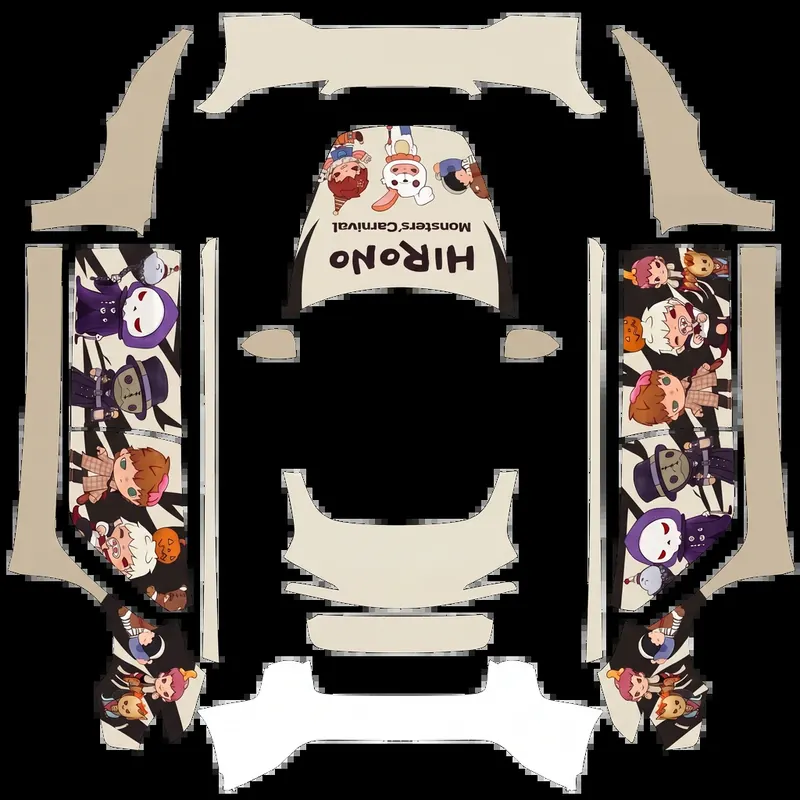
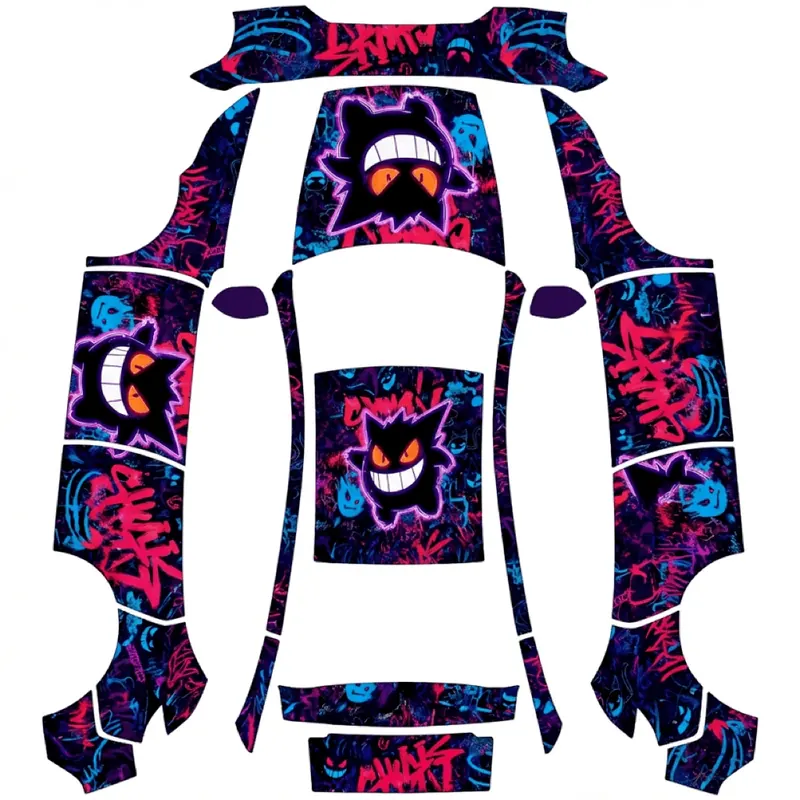
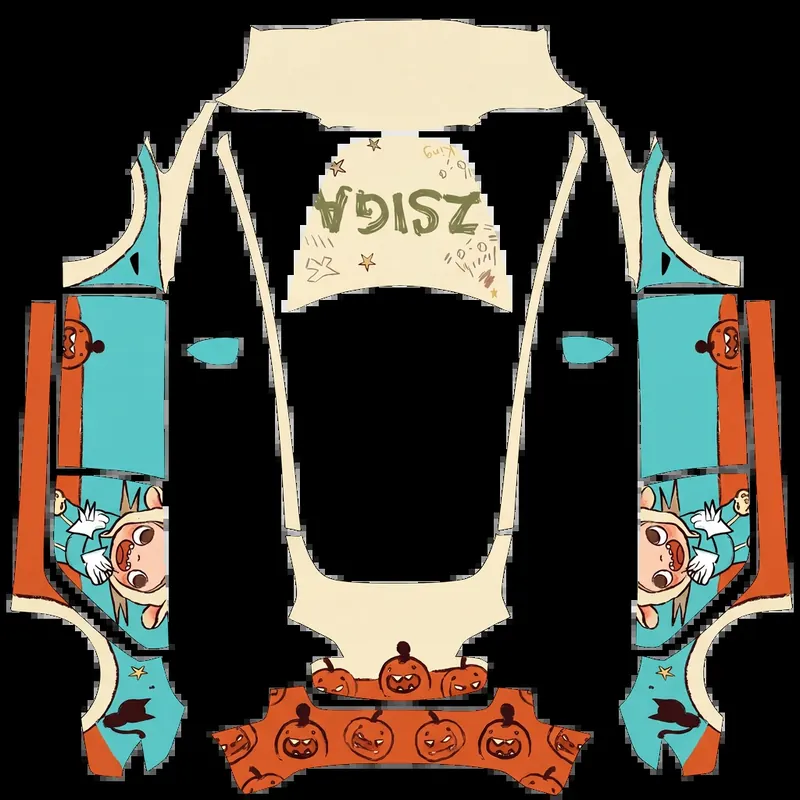
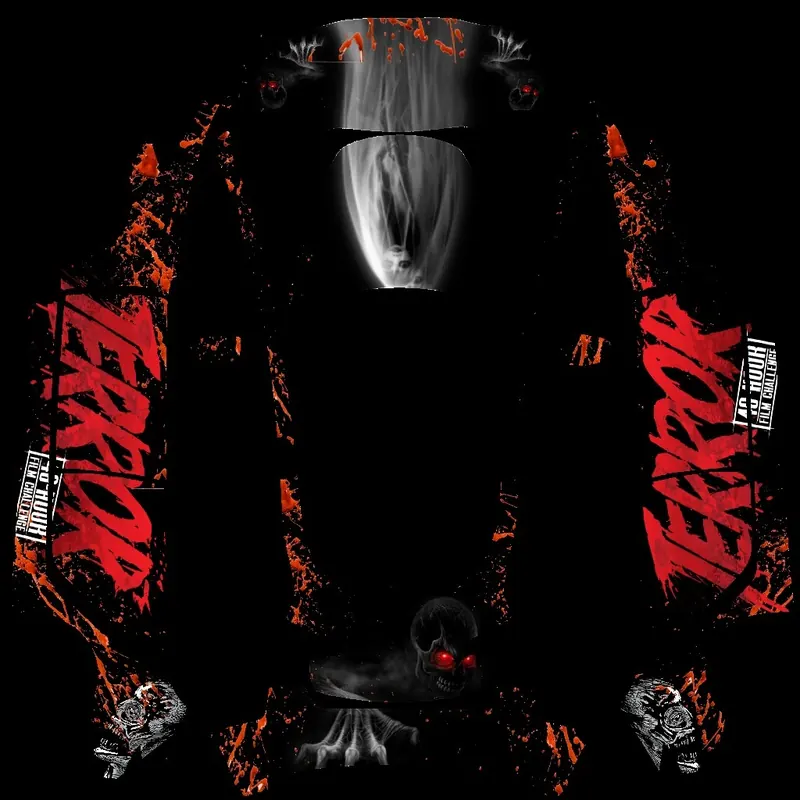
An October 7 walkthrough from NotATeslaApp.com reports four Paint Shop wraps: an orange jack-o'-lantern design, a black ghost design, a candy Trick or Treat design, and a dark texture with red streaks. Activating Halloween Mode does not remove personal customizations. Drivers can still use custom PNG wraps uploaded to Paint Shop alongside factory designs. A custom LockChime.wav still works when Lock Sound in Boombox is set to USB.
Source: NotATeslaApp.com, Oct 7, 2026 (opens in a new tab) · FrunkLab, Oct 8, 2026 (opens in a new tab)
Owners who want designs beyond the four reported built-in patterns can explore additional digital wrap options. You can browse free Tesla wraps on the homepage, or open a free gallery of Halloween-style Paint Shop wraps to download community-created graphics for your car model. For custom artwork, the site provides an AI wrap designer. It generates a Paint Shop-ready PNG tailored to your specific vehicle template. After saving your file, you can upload it using your phone or a flash drive. The guides linked below cover the phone upload, the USB route, and wraps that fail to appear.
Read next: browse free Tesla wraps · Tesla Wrap Gallery · AI Wrap Designer · Upload Wrap from Tesla App Guide · Install Wrap from USB Guide · Wrap Troubleshooting Guide