
 Ink WashMono · Model Y (2025+) Premium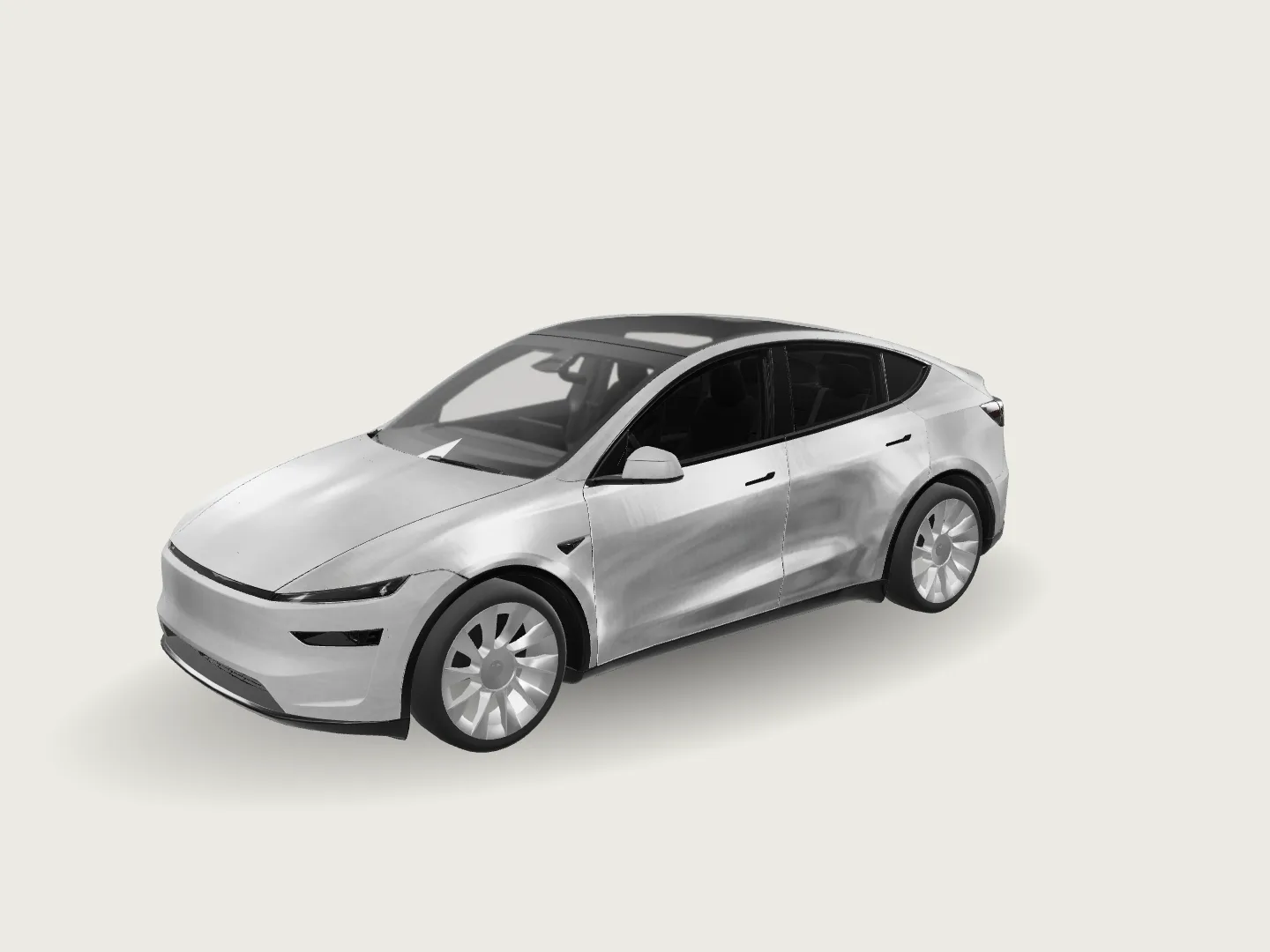
Tesla Wrap AI Generator
Design custom Tesla wraps from a text prompt, photo, or sketch, preview them in 3D, and export official Paint Shop PNG files.
Browse Free Tesla Wraps · Digital wraps for Tesla Paint Shop on the vehicle screen.
Free Tesla Wrap Designs
Sign in to downloadSign in to download
Ink WashMono · Model Y (2025+) Premium


Step 1 of 3 — your Tesla
Template 1024 x 1024
Cybertruck
Model 3
Model Y
Model S
Model X
Browse is the free catalog. PNG Converter stretches your image to the vehicle canvas, then cuts it to the official template. Downloading a wrap on PNG Converter uses 3 credits. Downloading it again does not. A new AI image uses 10 credits. A refine uses 8 credits.
Digital wraps for Tesla Paint Shop
Design a Tesla wrap that fits
Choose your Tesla and preview wraps on that template. Preview does not need an account. A library wrap needs a signed-in account and a preference vote before it can be downloaded. Downloading a wrap on PNG Converter uses 3 credits. Downloading it again does not. A new AI image uses 10 credits. A refine uses 8 credits.
Each result uses the selected vehicle template and includes the dimensions and fit details you need before uploading.

Sunburst Mascot · Free DesignTemplate fitted
Why this one
Made for the ninety seconds you have next to the car
Free previews and clear pricing
Browse the free wrap library for your car without creating an account. Paid AI runs show the total credit cost directly on the button, and any failed image returns its credits automatically.
Files the car actually accepts
PNG at the template size, under 1 MB, with a filename Tesla will not reject. Cybertruck gets its own 1024 x 768 output.
Built for the phone
The whole flow fits one thumb. Save the finished file straight to Photos and upload it from the Tesla app.
How it works
Five steps, three of them taps
- 1
Pick your Tesla
Select your vehicle model from twelve supported official template variants.
- 2
Describe your wrap
Type your prompt for a custom Tesla wrap into the editor. Pick one of 17 optional styles and an optional color, or keep Auto colors so the style picks its own palette.
- 3
Choose image count and generate
Choose 1 to 4 images for your custom Tesla wrap. Sign in or buy a credit pack first if needed, then generation starts right away for the price reserved on the button.
- 4
Pick and edit a result
Review your generated wraps and select your favorite result. You can refine your picked design with targeted edits for 8 credits per image.
- 5
Export your Paint Shop PNG
Download the completed design fitted to your official vehicle template. Your exported PNG file is ready to import into the in-car Paint Shop.